Cheeks Family Website
"Pop-Up" Display and Menu/Submenu Tab Descriptions
“Pop-Up” Display
Various key information in individual webpages is accessed by clicking on a “button” and the information will “pop-up” in a separate display that overlays the webpage.
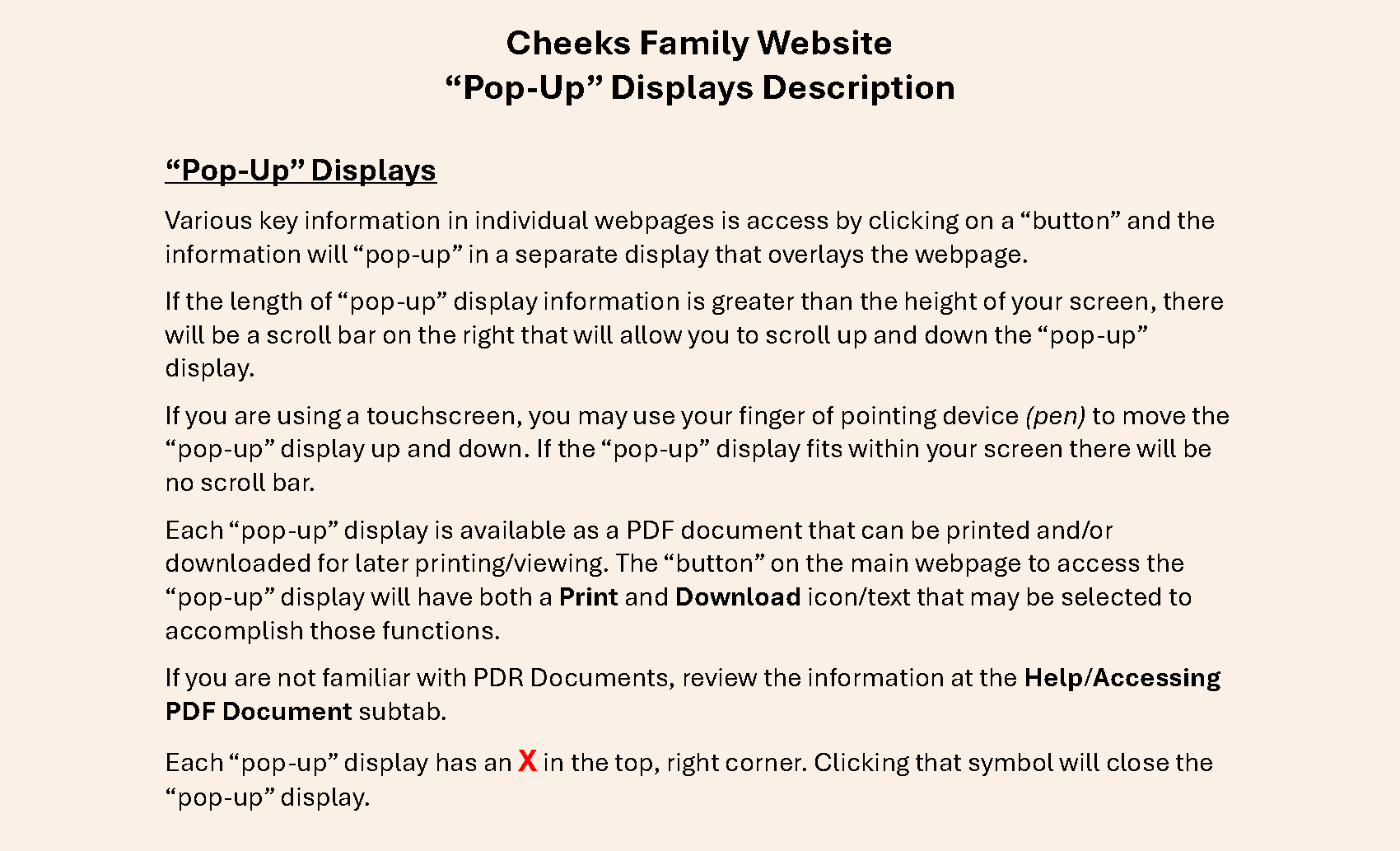
Click the button below to access a “pop-up” display with a description of “pop-up” displays and how to use them. That description is available as a PDF document that you may print or download for later viewing/printing by clicking on the appropriate icon/text next to the button.
Note: The print function will only work if there is a printer configured with the desktop/laptop/tablet/phone you are currently using.
Menu and Submenu Tabs
At the top of each primary webpage, with the exception of the first page (home page), there is a consistent set of menu and submenu tabs. If there is a downward pointing triangle (caret)next to a menu tab name, the menu tab has submenu tabs. Each menu or submenu tab will allow you to move around (navigate) the "town square" (website) as you wish.
Secondary webpages do not have menu and submenu tabs but will have a Close Window button, at the top of the page, that when selected, will close the secondary webpage.
The menu tabs are “locked” at the top of each primary webpage, so if you need to scroll the webpage to view content, the menu tabs will remain visible and in place at the top of the webpage.
Select the Help tab / Moving Around the “Town Square” (website) subtab (or the highlighted link) to display a webpage that describes how to use the menu and submenu tabs.
Click the link below to display a webpage with the description of each menu and submenu tab in detail. Each tab description will explain “where” 🧭 the tab takes you in the “Town Square” and what you can do there.
CFS Website Menu and Submenu Tab Descriptions 🖨️Print Download
You also have the option to print or download that webpage as a PDF document by clicking on the appropriate icon/text next to the button.
The CFS Website Menu and Submenu Tab Descriptions webpage is lengthy, so I would recommend printing or downloading a copy of the PDF document to be used as a handy reference as you become familiar with using the website.
After reviewing the navigation information, take a virtual “road trip” 🚘 through the website using the various menu and submenu tabs. Enjoy! 👍🏽